71% less
Over three years for a team of 25, support included. Expect a thank-you note.
Chat, calls, WhatsApp, calendar, forms, documents, CRM and AI in one app on infrastructure you control. Pay once and keep it.
One-time licence · Self-hosted · Your AI provider
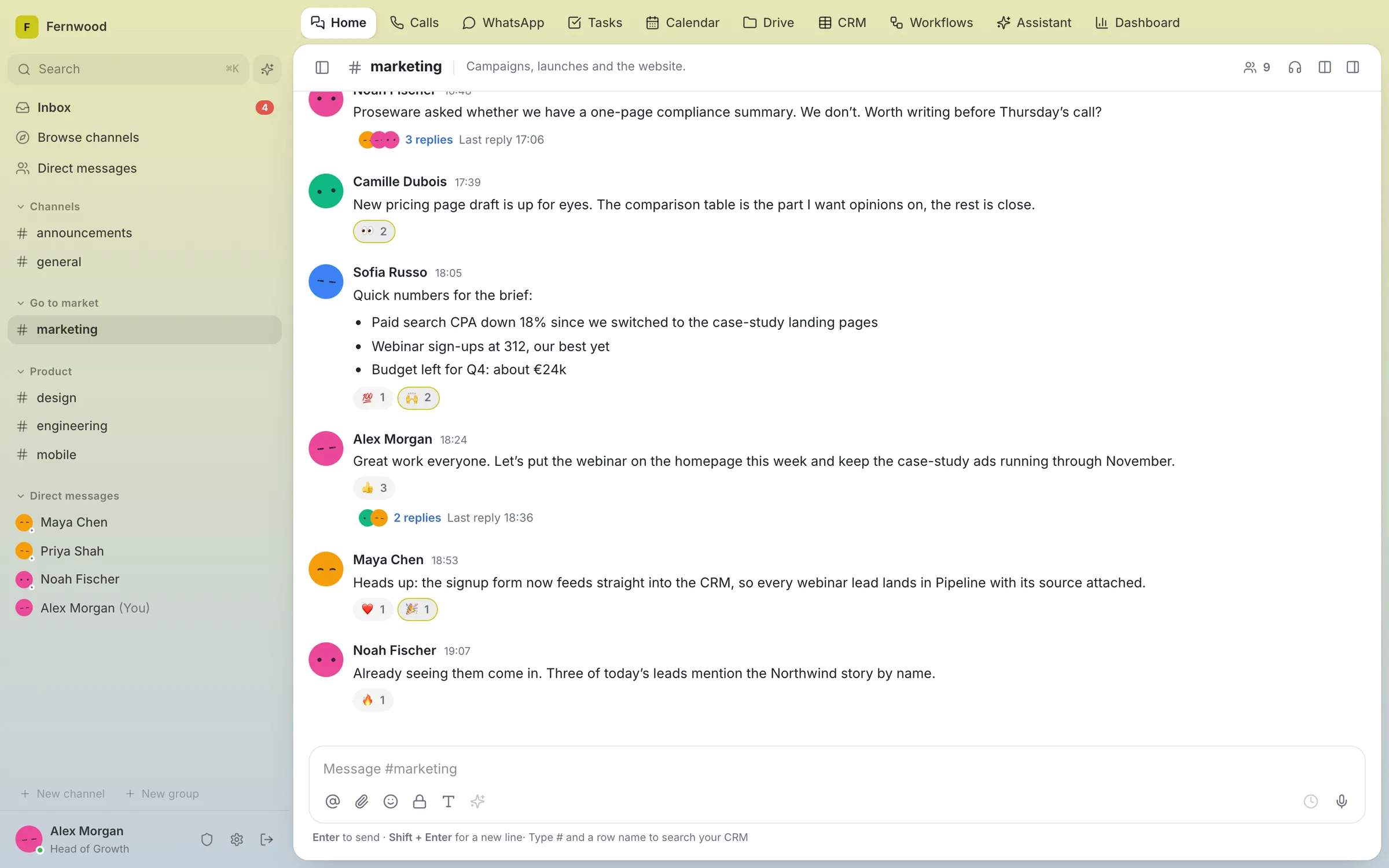
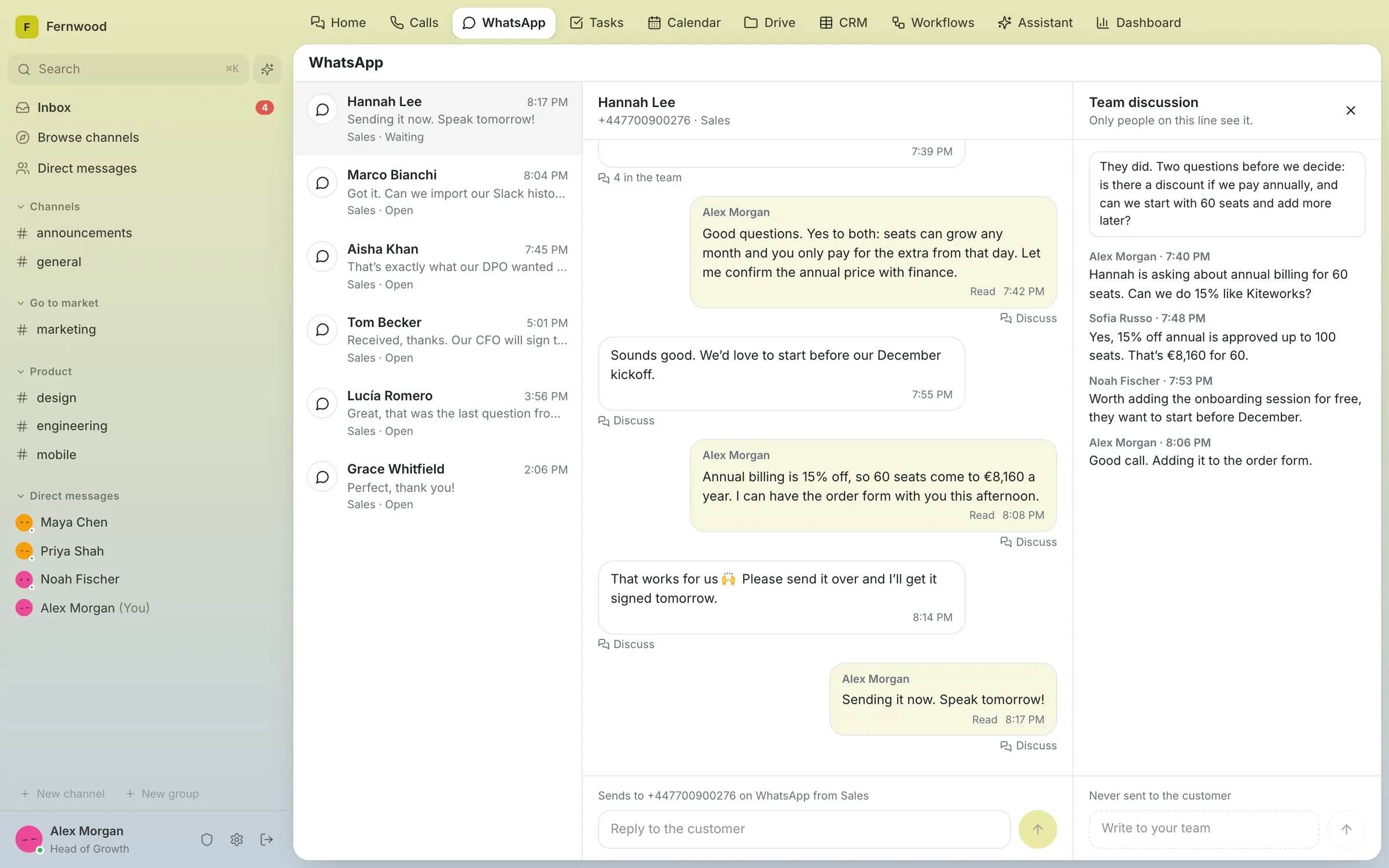
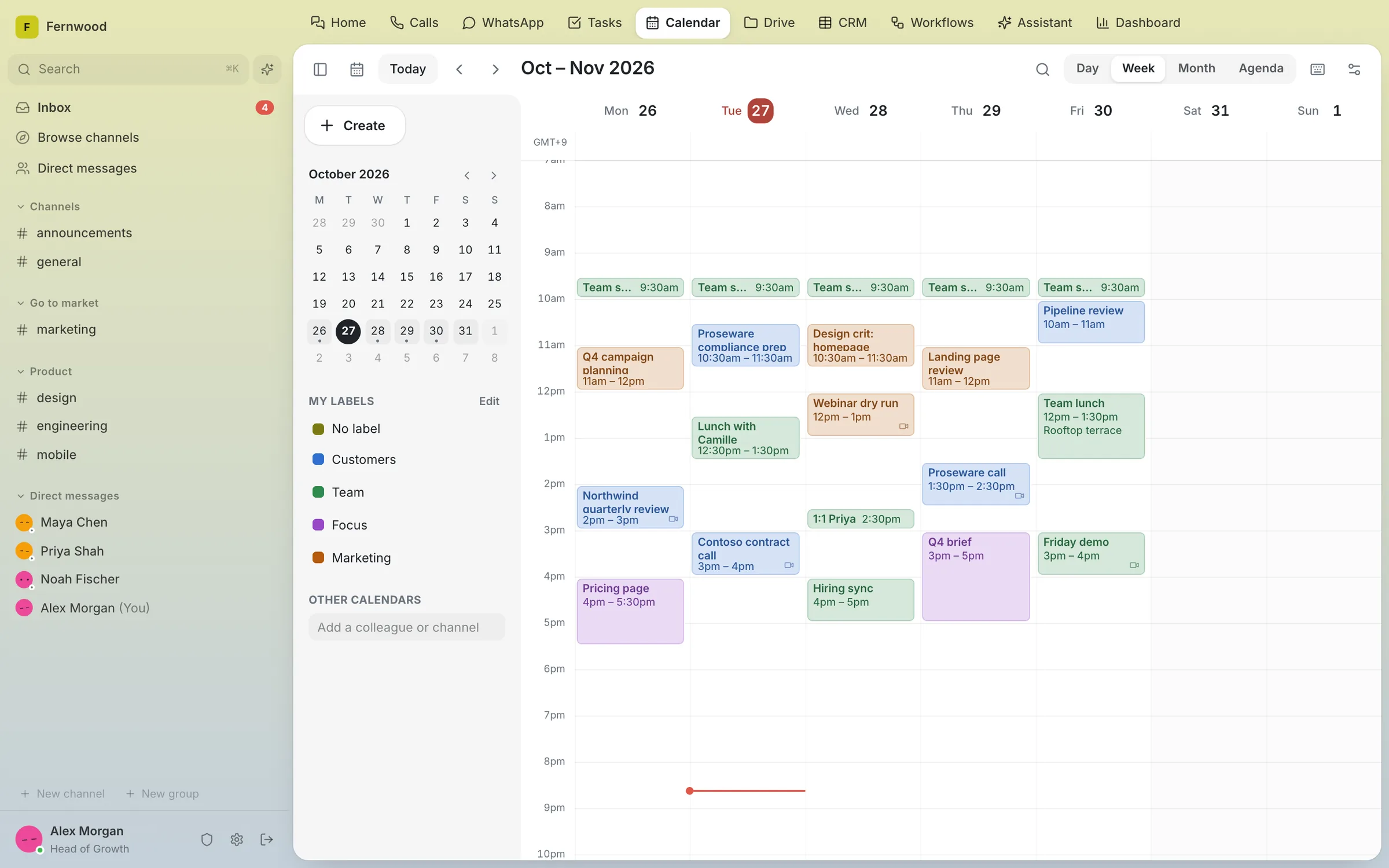
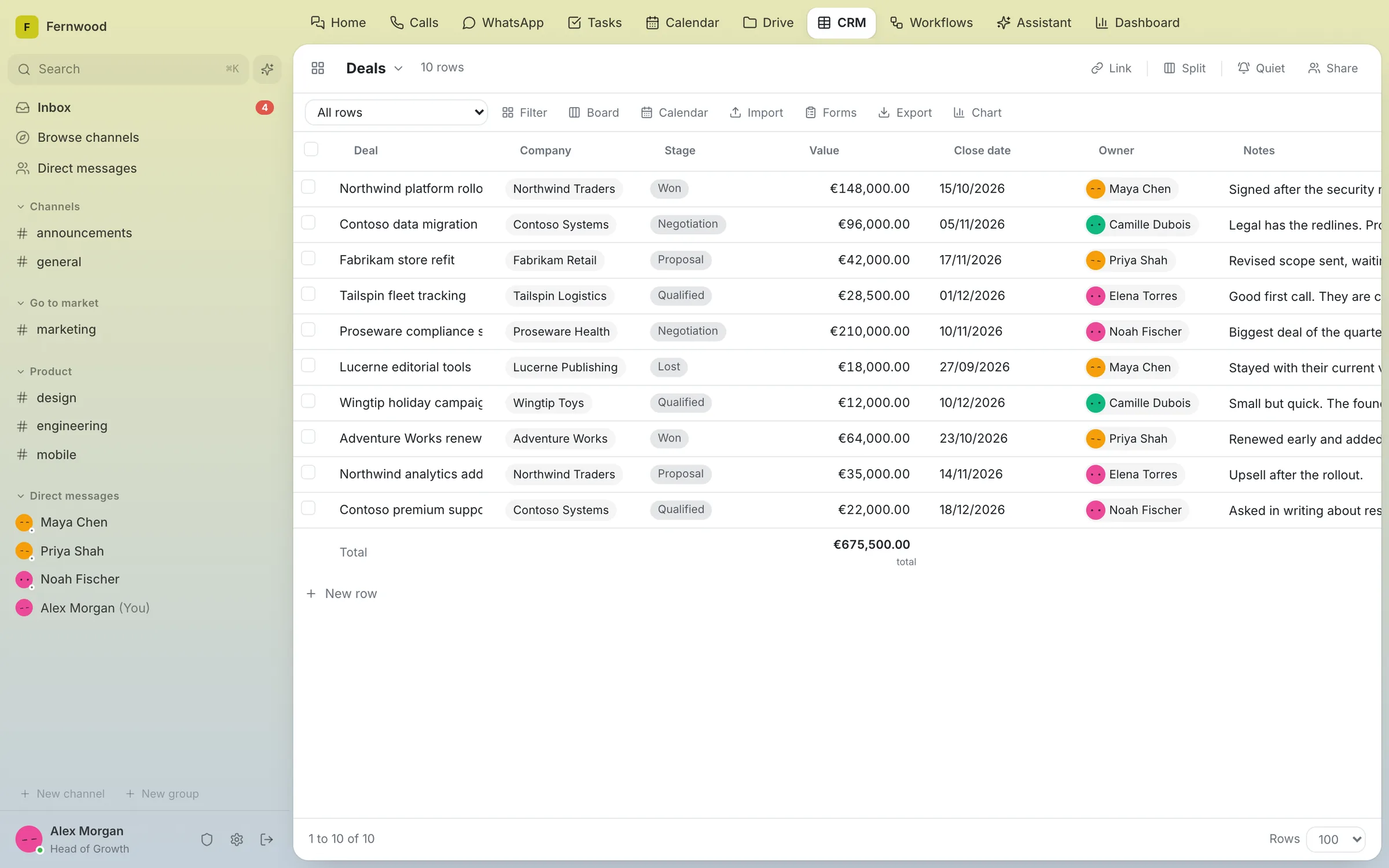
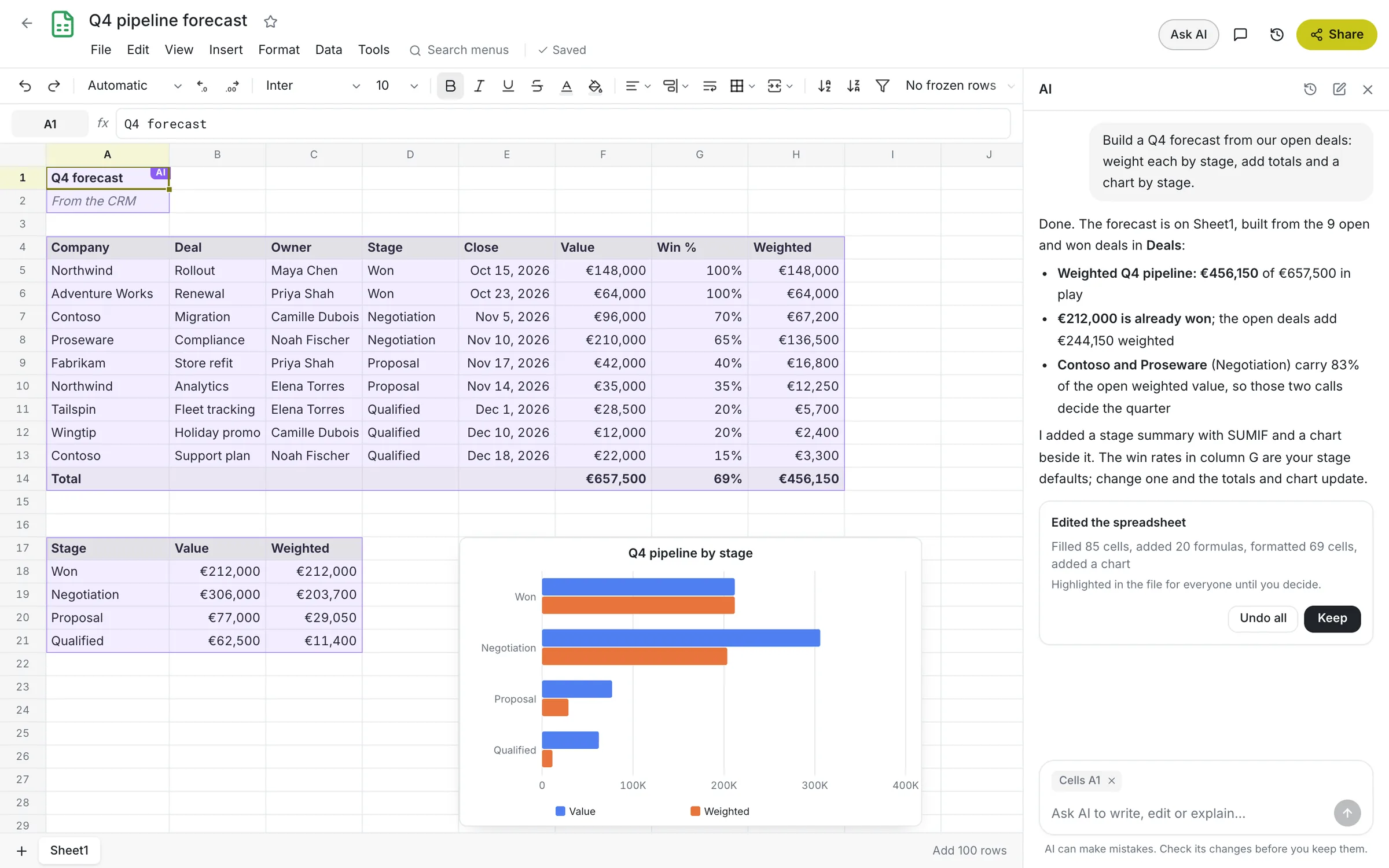
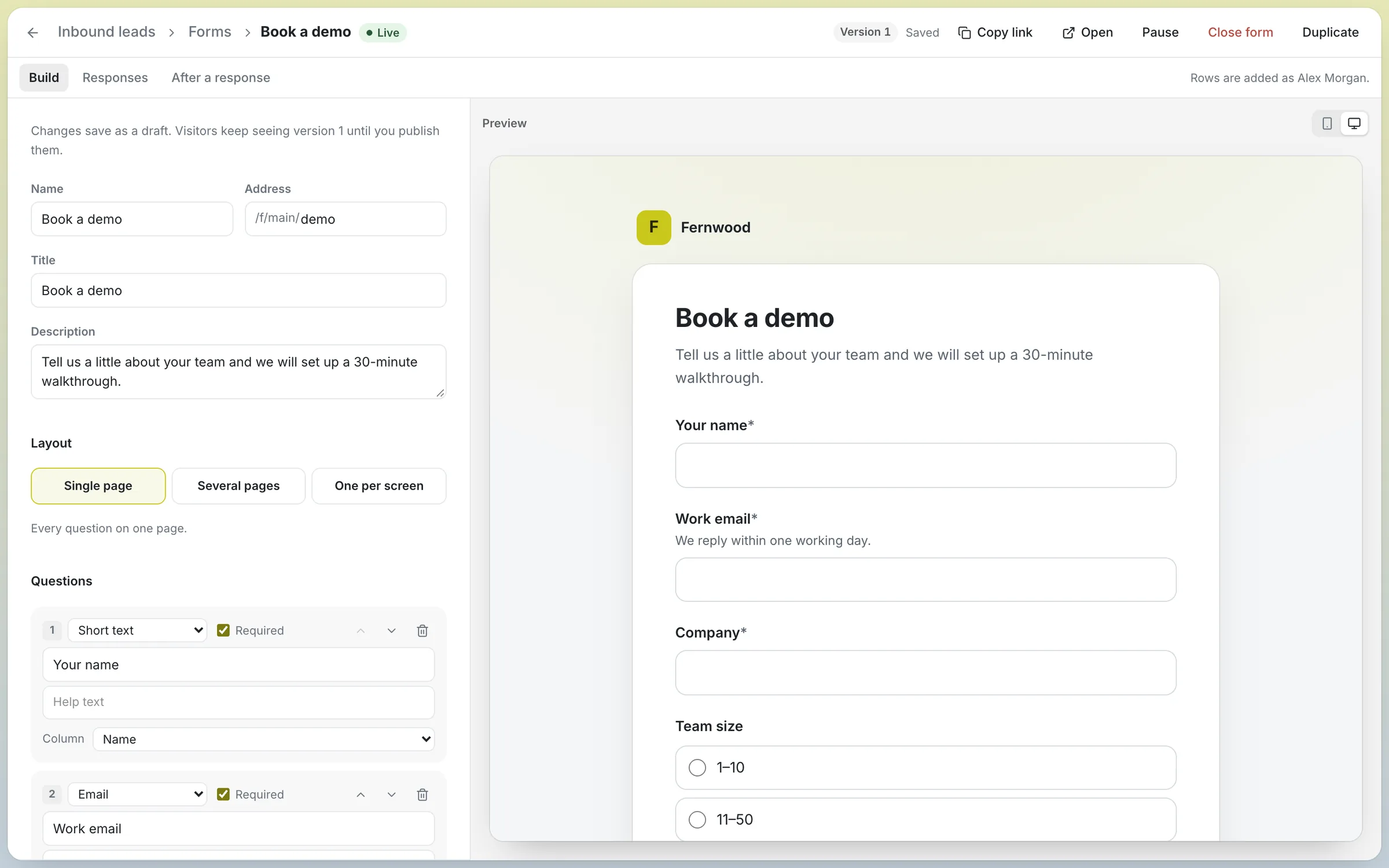
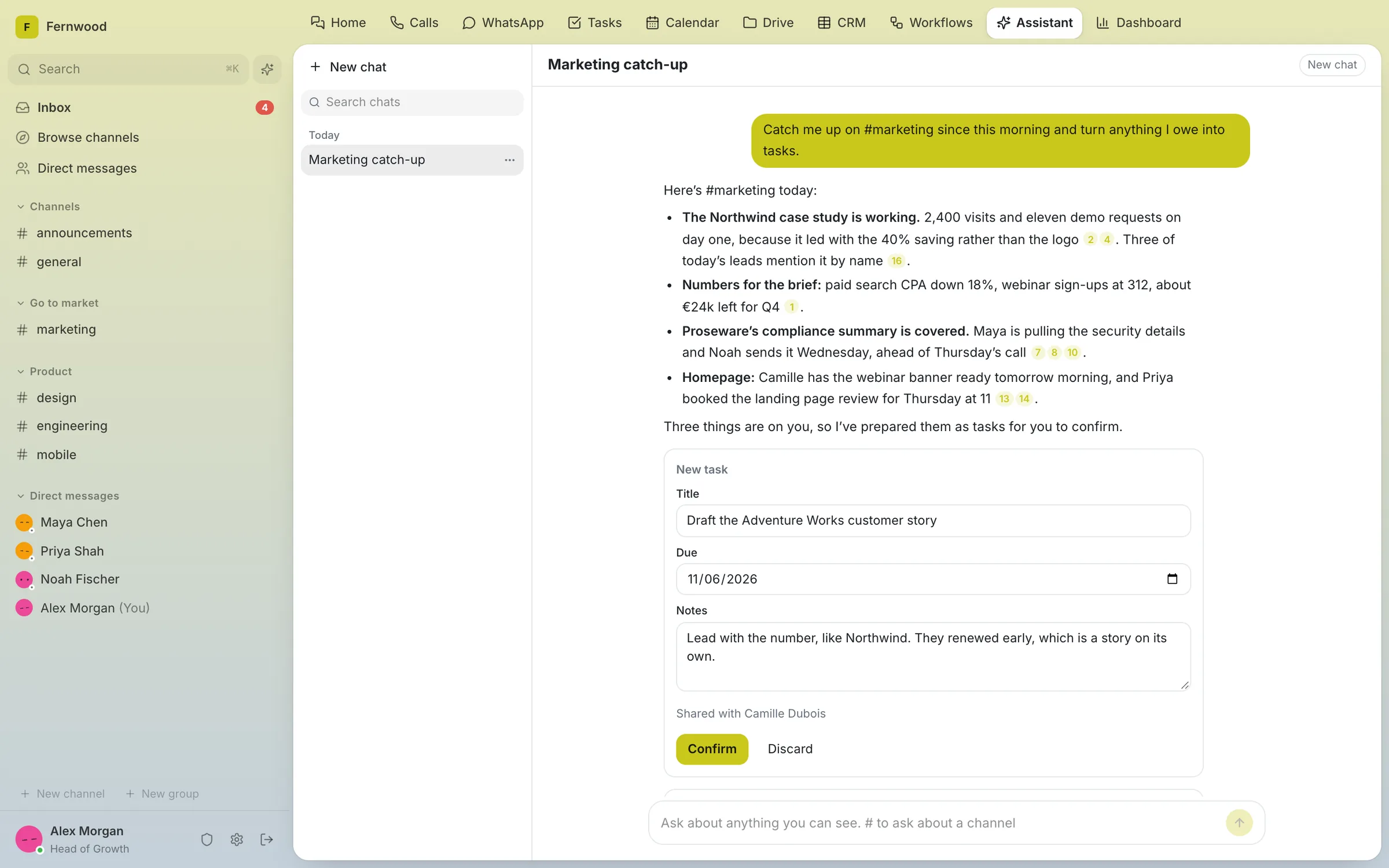
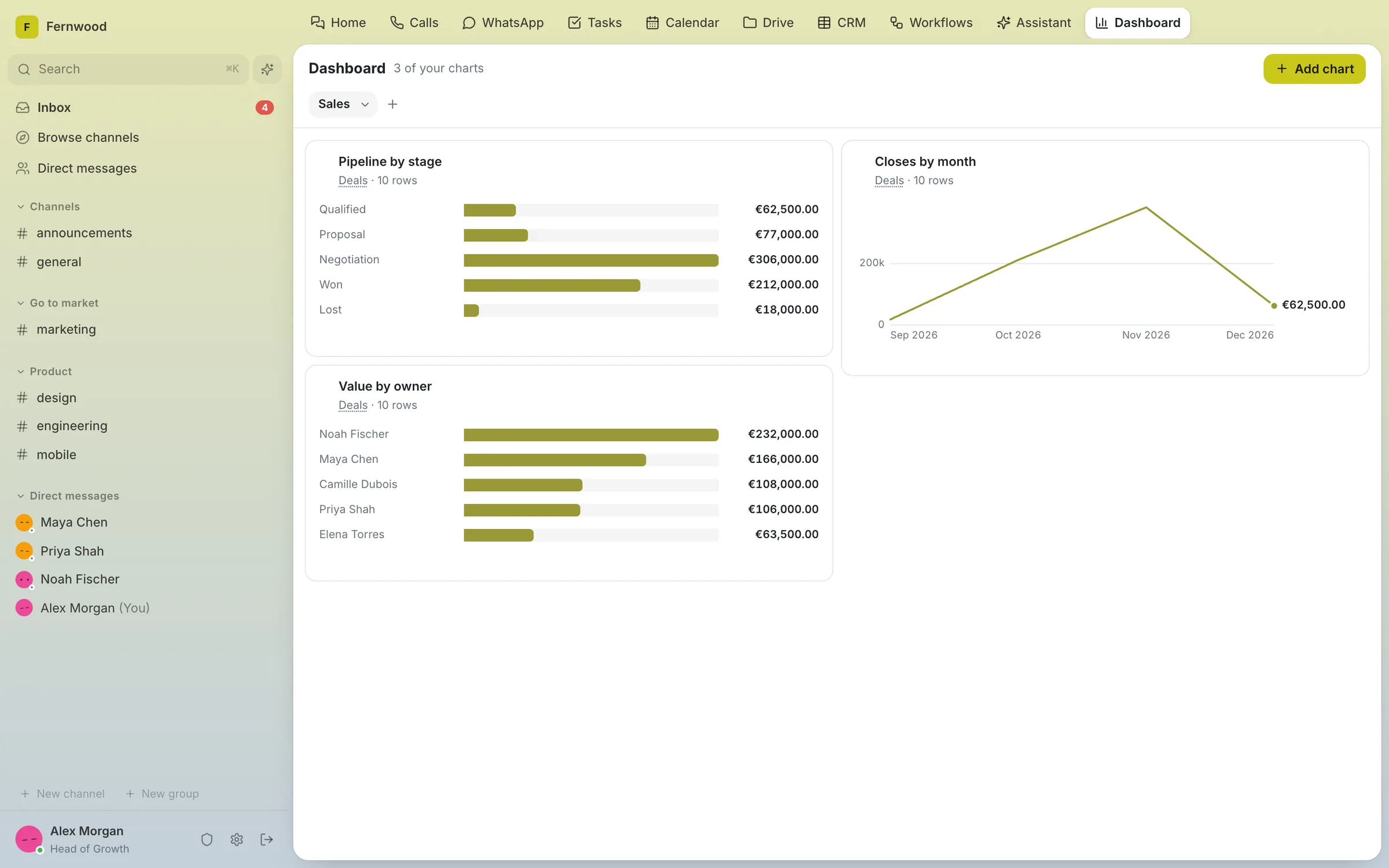
These are the tools a growing company rents every month. Aspen does each job in one place, linked to the conversation about it.
 Channels, threads and DMsCalls with screen sharing and guestsYour WhatsApp numbers, answered as a teamCalendar and booking pagesForms that land in your CRMCRM, boards and dashboardsTasks with owners and due datesDocs, Sheets and SlidesDriveWorkflowsAssistant and agents, your providerAspen$17,100paid once
Psst. Not ready to replace all eleven? Aspen Basic starts at $4,200, once. Talk to us
Entry-plan list prices, billed yearly, Oct 2026. Bigger teams often pay more · Aspen Enterprise, self-hosted. Hosting and support extra.
Over three years for a team of 25, support included. Expect a thank-you note.
Aspen runs where you say and updates when you say.
Every message and file stays on your own servers.
Talk, call, plan and sell in one place. Even from their phone.
Aspen is a one-time payment for a perpetual licence. You keep the version you buy, and there is no fee for each person on your team.
One payment for the licence, not a bill every month.
Priced per installation, so hiring never raises the bill.
Optional support brings new versions. Without it, your version keeps working.
| Aspen | Subscriptions | |
|---|---|---|
| Licence | Perpetual | Subscription |
| You pay | Once | Every month or year |
| Priced by | Installation, no per-user fee | Each person, each tool |
| If you stop paying | Keep the version you bought | Paid access ends |
| Where your data lives | Your servers | Their servers |
Hosting, AI usage and optional support are separate.
Channels, threads, direct messages and searchable history, so past decisions are easy to find.
Call, share your screen and invite guests. Recordings and AI notes when you want them.
Answer your company’s WhatsApp numbers as a team, next to the customer record and the internal thread.
Team calendars with two-way Google sync. A booking creates the event, the call link and the CRM contact.
Publish a form or embed it on your site. Every answer becomes a CRM row and can start a workflow.
Write, calculate and present in Drive. Edit together with comments and version history. Office files open in place.
Custom fields, owners, boards and dashboards, beside the conversations about each customer.
Turn a CRM change, a form answer or a mention into the next step. Test it, then inspect every run.
Catch up on a thread or turn a request into a task. Agents work with the tools, budgets and approvals you set.
Installing takes one command on a server you choose, and updates run in the quiet hours you set. If you would rather not run a server at all, we can host Aspen for you.
The licence is paid once. Hosting, AI usage and support are separate, and optional support from $99 a month brings new versions. Even with support, a team of 25 pays about 71% less over three years than for the 11 subscriptions above.
They bring their history with them: Aspen imports Slack exports and WhatsApp chats. Install Aspen on every phone for messages, calls and notifications, so nobody has to keep the old apps open.
For most growing teams, yes. You get a CRM with boards and dashboards, booking pages that create the event, the call link and the contact, and forms that write straight into the CRM. Bring your CRM over from a CSV file.
Aspen runs on your infrastructure, with roles, private channels, guests and an audit log of who changed what. You choose the AI provider, or none. Aspen is not end-to-end encrypted, because search needs to read stored content.
AI uses only the context and tools its permissions allow, and sends requests to the provider you configure. The rest of Aspen works without AI.
We’ll build your demo around your team and your workflows.
We’ll be in touch.
The request form has two short steps.
Prefer email? hello@joinaspen.app